Google Ads for Auto Repair Shops: Setup, Budget and Cost per Call
Published by AutoPilot Media Team · 2026-11-12
Start with the repair, not the advertising dashboard
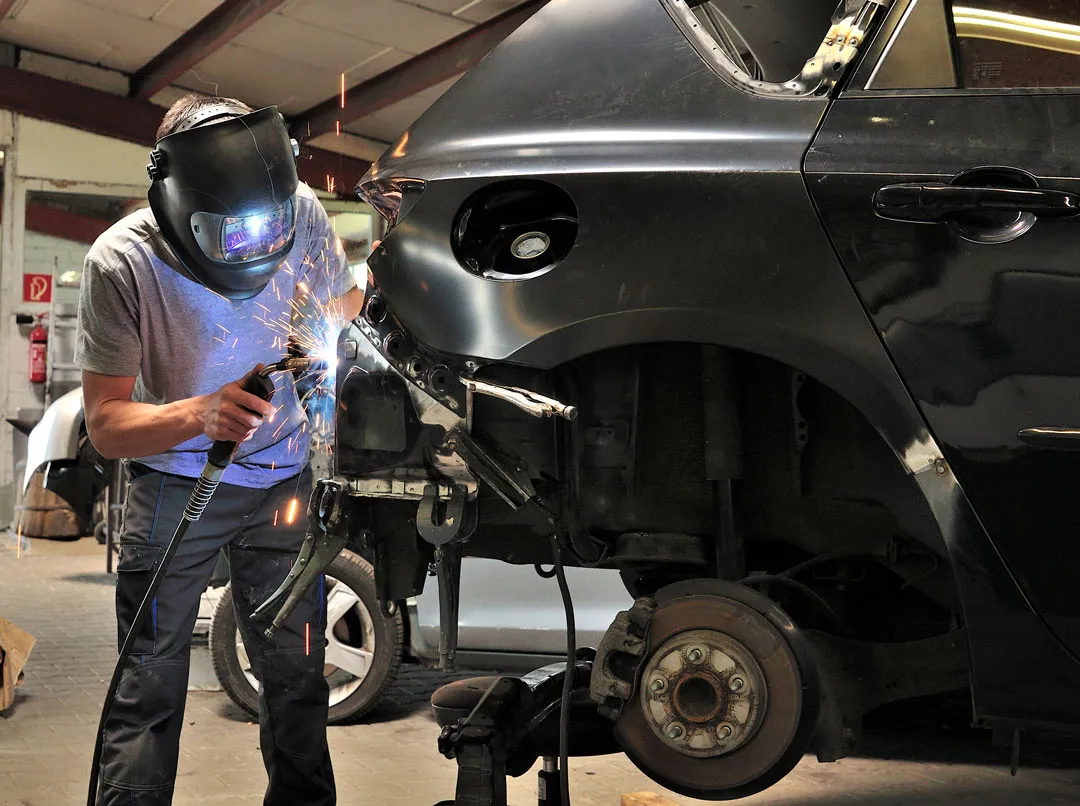
Working solely with collision repair and auto repair shops across the US, we've seen the value of keeping the campaign tied to actual shop capacity. Before selecting keywords, decide which repairs you want, where customers can come from and who will answer the calls. Those choices matter more than filling every available advertising field.
A campaign for collision estimates needs different copy and a different page from one for engine diagnostics. The customer questions, appointment process and economics are different. Start with a service your team can explain clearly and handle well, then expand using the quality of the resulting calls.
Define success before spending. A click is a visit, a call is a conversation and a qualified call is an actual opportunity involving work your shop performs. A completed repair is the final business outcome. Keeping those stages separate makes it easier to judge whether the advertising or the booking process needs attention.
Our Google Ads for auto repair shops service connects campaign setup, landing pages, call tracking and follow-up. The aim is more suitable repair opportunities with a clear view of what it costs to bring them in.
Choose campaign types that match your stage
Google Search is the practical starting point because the customer is actively describing a need. Your ad appears for a search related to a service you provide, then sends the person to a matching page. You control keywords, location settings, scheduling and the message used to introduce your shop.
Local Services Ads are a separate product with category and location eligibility requirements. Check Google's current eligibility flow for your exact business type and service area before including them in the plan.
When eligible, evaluate Local Services Ads as their own lead source. Understand how inquiries arrive, what screening or verification is needed and how your team will manage leads. Keep those results separate from Search so you can compare qualified opportunities.
Performance Max reaches customers across Google's inventory using automated placement and bidding. It performs best once accurate conversion tracking, useful creative and clear business goals are in place. Add it when you can evaluate lead quality across placements, while keeping focused Search running for direct repair demand.
- Search: start with specific services and searches that express repair intent.
- Local Services Ads: confirm current category and location eligibility before planning spend.
- Performance Max: add it once reliable conversion data and a lead-quality review process are in place.
Pick keywords that describe jobs your shop wants
Build keyword groups around distinct repair needs. A mechanical shop can separate brake repair, engine diagnostics and air conditioning service when those are priority offerings. A body shop can separate collision repair, bumper repair and dent repair. Each group should have an ad and landing page that make sense together.
Look at intent, not just the wording. Someone searching for a collision repair estimate has a different need from someone researching how to repaint a bumper at home. A price-related search can still be a serious customer, so read the whole query before deciding whether it fits.
Use phrase and exact match as controlled starting options, then review the actual search terms that trigger ads. Match types include close variants, so ongoing review stays important. Broader matching becomes useful when tracking and campaign goals are strong enough to guide it toward suitable inquiries.
Write ads that answer the immediate question. Name the service, make the location clear and describe a next step your team delivers. Use genuine differentiators such as your actual repair process or appointment options.
Use negative keywords and local targeting to improve fit
Negative keywords direct spending toward the work you sell. If a search is clearly about employment, training, parts-only shopping or a do-it-yourself tutorial, it belongs outside a repair campaign. Build the list from the actual searches you receive and the services your shop offers.
Use care with words that change meaning in context. A customer asking about repair cost may be ready to schedule an inspection. Review the phrase and call outcome before excluding language that a suitable customer might use.
For location targeting, start with areas customers can realistically travel from. A radius works, but roads, traffic, bridges and neighborhood boundaries can make selected locations more practical. Use the location setting that reaches people in or regularly in your intended area, then review location reports.
Ask callers where the vehicle is and record unsuitable geography. Adjust areas based on qualified demand and your real service reach. A larger circle is useful only when it brings customers your team can actually serve.
- Review searches for repair intent and service fit.
- Add negatives based on evidence rather than a generic oversized list.
- Check location settings and reports, not just the map drawn during setup.
- Use caller feedback to refine both keywords and geography.
Make calls easy with current ad formats and a useful landing page
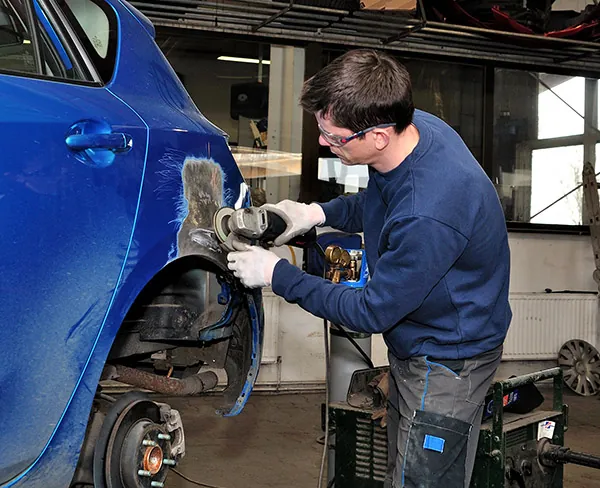
For call-focused advertising, build around responsive Search ads with call assets. A call asset gives searchers a direct calling option alongside the ad. Keep the website path available for customers who want to understand the shop before speaking with someone.
Schedule call-focused activity around times your team can answer. If you advertise outside staffed hours, provide an appointment request path and a clear expectation for a response. Missed-call text-back gives callers another way to connect when someone is temporarily unavailable, and a team member continues the conversation.
Send each ad to the relevant service page. Show the repair name, real shop photos, service area, useful reviews and a prominent phone button. Explain what happens next: a scheduling conversation, an inspection or an estimate appointment.
Keep mobile forms short and test the complete submission process. A photo upload helps a collision inquiry, while a mechanical appointment form may need vehicle and symptom details. Our auto repair website design service focuses on making those next steps clear and usable.
Track qualified calls, appointments and completed work
Set up conversion tracking before evaluating the campaign. Separate calls from ads, calls from the website and submitted forms. Confirm that each action is recorded correctly and that repeated actions are counted once. A phone-button click alone does not prove that a real conversation happened.
Call duration helps organize review, but it is not a complete quality measure. A brief call can book an appointment, while a long call can involve an unrelated service. Have your team label whether the caller needs work you offer, is in a workable area and has a genuine repair opportunity.
Connect those labels to appointments and completed jobs. Qualified lead and booked-work data give campaign decisions a stronger basis than treating every contact as equal. Keep existing-customer status calls visible for service management while reporting them separately from new repair opportunities.
Review recorded conversations, with the right notices in place, to improve both advertising and customer service. Our auto repair leads service brings source tracking and follow-up together so a promising inquiry does not disappear between the ad and the appointment.
Build your budget around qualified calls and your own margins
Across the collision shops we serve nationwide, qualified calls run $20–$40, with competitive metros costing more. Use that as the planning reference for collision campaigns. Actual costs depend on the market, search demand, campaign setup and what counts as qualified.
The first planning formula is simple: desired qualified calls multiplied by expected cost per qualified call equals the advertising spend needed for those calls. Use both ends of the range to see how the requirement changes. Keep agency fees, landing-page work and other costs visible alongside ad spend.
Then calculate acquisition cost per completed repair: advertising spend divided by completed jobs attributed to that spend. Your booking and completion rates determine how call cost turns into job cost. Use your own measured rates.
Average collision repair tickets run $3,500–$5,500 in the work we see, and each qualified call is worth $2,000–$3,000+ in revenue. Compare acquisition cost with the margin available after repair costs. A mechanical service has different economics, so use your actual ticket and margin data for that work. Our auto repair shop marketing budget guide explains how to connect spend with shop capacity and goals.
- Planning spend = desired qualified calls × expected cost per qualified call.
- Cost per qualified call = advertising spend ÷ qualified calls.
- Cost per completed repair = advertising spend ÷ attributed completed repairs.
- Budget decisions should include repair margin, capacity and all marketing costs.
Improve the campaign using real conversations
Review search terms, locations, landing pages and call outcomes together. If an ad brings unrelated work, tighten its targeting or wording. If suitable callers do not book, listen for unanswered questions, appointment friction or missing service details. Changing bids alone will not fix a broken booking path.
Give each meaningful change a clear purpose. Improve a landing page because callers cannot find estimate instructions. Add negatives because a search pattern brings the wrong service. Adjust scheduling because calls arrive when no one can respond. This makes optimization a business process instead of a string of unexplained dashboard edits.
Increase spending when the campaign produces suitable opportunities, the shop can handle more work and tracking supports the decision. Keep reviewing completed repairs as well as leads.
AutoPilot is a US-based official Google Partner offering Google Ads, custom websites, lead tracking, missed-call text-back, automatic follow-up and booking. We offer no long-term contracts and a 30-day money-back guarantee. Your shop sees where inquiries came from, whether they fit and how they moved toward actual repair work.
Frequently asked questions
How much do Google Ads leads cost for a body shop?
Across AutoPilot's collision campaigns, qualified calls run $20–$40, with competitive metros costing more. Track your own qualified call and completed-repair costs as your campaign runs.
What should an auto repair shop spend on Google Ads?
Start with the qualified calls you want, a realistic call cost and the work your shop can handle. Then compare acquisition cost with your actual margins and include costs outside the ad platform in the plan.
Are Local Services Ads available for auto repair shops?
Availability depends on Google's current categories, location eligibility and requirements for the specific business. Check your exact service and area in the eligibility flow before including Local Services Ads in your budget.
Should I use call-only ads for my shop?
Use responsive Search ads with call assets. Schedule them around your ability to answer, and keep a useful website path for customers who want more information.
Is Performance Max a good starting campaign for a repair shop?
Focused Search gives a shop a clear way to connect repair searches with relevant pages. Performance Max is a strong expansion option once conversion tracking, creative and lead-quality feedback are ready to guide it.
How can I reduce calls for work my shop does not do?
Review the searches and ads behind those calls, add appropriate negative keywords and make your services clear on the landing page. Use front-desk feedback to distinguish poor-fit searches from suitable customers asking normal repair questions.
Related guides
- Auto Repair Shop Advertising Ideas That Actually Bring In Cars
- Pay-Per-Lead vs. Owning Your Own Lead System for Body Shops
- Where Do Body Shops Get Leads? Every Option Compared (2026)
Related service: Google & Facebook Ads